
Artificial Intelligence (AI)
in Education
A parent guide to understanding AI, supporting responsible use, and helping students navigate a rapidly changing digital world.

Understanding AI Together
Welcome to M-DCPS's parent guide on Artificial Intelligence (AI) in education. AI is transforming the way students learn, both inside and outside the classroom. As a parent, it's natural to have questions about how AI is impacting your child's educational journey. This guide provides information and resources to help families understand AI, its potential benefits and risks, and ways to support children as they navigate this rapidly evolving landscape. Together, we can harness the power of AI to enhance learning while supporting responsible, safe, and thoughtful use.
Explore AI Topics
Select a topic to learn how artificial intelligence is being used, what families should know, and how parents can support responsible and informed use.
What is AI?
Artificial intelligence, or AI, refers to computer systems that can perform tasks that normally require human-like abilities, such as recognizing patterns, understanding language, making predictions, generating content, or recommending possible solutions.
Generative AI is one type of AI. It can create new text, images, audio, code, and other content in response to a prompt. Tools such as Gemini do this by analyzing patterns in very large amounts of information and predicting a useful response. AI does not think, understand, or make judgments in the same way a person does, and its answers can be incomplete or incorrect.
AI can be a powerful helper, but it is not an answer machine and it is not a replacement for human thinking. Students still need to ask good questions, check information, use their own judgment, and take responsibility for the work they submit.
How is AI used in school?
AI can support learning in different ways depending on a student's age, the instructional goal, and the tools approved by M-DCPS.
- For younger learners: Students may experience lessons, examples, practice activities, language supports, feedback, simulations, or differentiated materials that educators have created or enhanced with AI. At these ages, the emphasis remains on strong instruction, foundational skills, creativity, communication, problem solving, and digital literacy.
- For middle school learners: Students can begin developing a clearer understanding of how AI works, where it appears in everyday technology, how algorithms influence information, and why accuracy, bias, privacy, ethics, and responsible use matter.
- For grades 9–12: Gemini for Education is available to M-DCPS students when they sign in to Google with their school credentials. When permitted by the teacher, students can use Gemini as a learning companion to ask questions, break down difficult concepts, brainstorm ideas, strengthen writing, practice language skills, explore topics, and develop a deeper understanding of what they are learning.

Students are expected to use AI ethically, responsibly, and purposefully. That means following teacher directions, protecting private information, checking important information for accuracy, and using AI to support their learning rather than simply copying an answer or allowing the tool to do the thinking for them.
Benefits of AI
When used thoughtfully, AI can expand the ways students learn, practice, create, communicate, and solve problems. The benefit is greatest when AI supports strong teaching and active student thinking rather than replacing it.
- More responsive learning: Educators can use AI to create additional examples, explanations, practice opportunities, reading supports, and differentiated materials that better meet varied student needs.
- Help understanding difficult concepts: For older students with direct access, Gemini can break complex ideas into clearer steps, provide another explanation, or help students ask follow-up questions when they need more support.
- Writing support: Students can use AI appropriately for brainstorming, organizing ideas, receiving feedback, revising, and polishing writing while still maintaining ownership of the final work.
- Language learning: Interactive conversations, vocabulary practice, explanations, and language supports can give students additional ways to build communication skills.
- Creativity and exploration: AI can help students generate possibilities, compare approaches, explore new topics, test ideas, and develop creative solutions.
- Deeper understanding: Used well, AI can encourage students to ask “why,” compare explanations, make connections, and move beyond simply finding an answer.
- AI literacy: Students need opportunities to understand what AI can do, where it can fail, how bias and misinformation can appear, and when human judgment must remain in control.
For younger learners, the priority is not independent chatbot use. The benefit comes from strong, age-appropriate learning experiences that may be supported by AI through teacher-created materials, differentiation, feedback, accessibility, language supports, creativity, and digital literacy.
By high school, students also need guided experience using AI directly and responsibly. As colleges, careers, and workplaces increasingly incorporate AI, students will benefit from knowing how to ask productive questions, evaluate AI-generated information, communicate clearly, protect information, revise their work, and combine technology with human creativity, judgment, and expertise.
Potential Risks
AI can be useful, but it should not be treated as automatically accurate, neutral, private, or appropriate. Important risks include:
- Bias: AI systems can reflect bias in their training data, design, or available information. Students should consider whose perspectives may be missing or misrepresented.
- Misinformation and hallucinations: AI can produce confident-sounding information that is incomplete, outdated, or wrong. Important claims should be checked against reliable sources.
- Privacy: Students should avoid entering sensitive personal information into AI tools and should use district-approved services for school-related work.
- Inappropriate content: Safety filters reduce risk, but no technology can guarantee that every response will be suitable. Students should stop and seek help from a trusted adult when something seems inappropriate or concerning.
- Overdependence: If AI does too much of the thinking, students can lose opportunities to build writing, research, problem-solving, creativity, persistence, and independent judgment.
- Academic misuse: Using AI in ways that violate teacher or school expectations can become academic dishonesty, even when the AI tool itself is district-approved.

M-DCPS Gemini Account Protections
Gemini for Education is available to M-DCPS students in grades 9–12 when they sign in to Google with their school credentials.
When students use Gemini through their M-DCPS school account, their chats and uploaded files stay within the protected school environment. Google does not use that school-account content to train its AI models or have people review it.
Students should still avoid sharing private personal information, check important information for accuracy, and follow district, school, and teacher expectations.
Parent Role
A parent's role in a child's use of AI is important. Families do not need to become AI experts; the goal is to stay involved, ask questions, reinforce responsible habits, and help students keep learning at the center.
- Talk about what they are learning: Ask children what they are working on and, for students who use Gemini, invite them to show how the tool works and what they find helpful.
- Ask about teacher expectations: Different assignments may allow different levels of AI assistance. Students should follow the teacher's directions rather than assume AI is always permitted.
- Encourage appropriate use for projects and assignments: AI can support brainstorming, explanation, revision, practice, and exploration, but students should understand the material and should not simply copy answers.
- Use AI together: For families with students who have access, explore a topic of shared interest, compare an AI response with another source, or ask follow-up questions together.
- Ask students to explain their thinking: A student should be able to describe what they learned, how AI helped, what they changed, and why they trust the final result.
- Stress responsible and ethical use: Reinforce privacy, accuracy, academic integrity, respectful use, and the importance of remaining honest about how AI contributed to schoolwork.

For grades 9–12: sign in with school credentials
Gemini for Education is available to M-DCPS students in grades 9–12. Students should sign in to Google with their M-DCPS school credentials so they are using the protected school account rather than a personal account.
In the school account, Gemini chats and uploaded files are not used to train Google's AI models or reviewed by people. Students should still protect personal information and use AI responsibly.
Stay involved
Ask what your child is learning and how technology is being used. A short, regular conversation is more useful than trying to monitor every new AI feature.
Look for understanding
Ask your child to explain an idea in their own words. If AI helped, ask what the student learned from the response and what they changed or added themselves.
Protect privacy
Remind students not to enter passwords, personal identification information, private family information, or other sensitive data into AI prompts.
Check important information
Encourage students to verify facts and sources and to question responses that seem incorrect, too easy, too perfect, or inconsistent with what they know.
Keep conversations going
AI will continue to change. Ongoing conversations about new tools, school expectations, responsible use, and online safety are more useful than a one-time set of rules.
Academic Dishonesty
AI can explain concepts, brainstorm ideas, revise writing, solve problems, and create many kinds of content. These capabilities can support learning, but they can also be misused when a student allows AI to replace the work the student is expected to do.
The same Gemini features that can help a student understand a difficult concept or strengthen a draft should not become a shortcut for copying answers or submitting work the student does not understand.
- Read the teacher's directions before using AI on an assignment.
- Encourage students to use AI to help them understand, brainstorm, practice, revise, or explore rather than automatically asking it to create the final answer.
- Ask students to explain the material in their own words and describe how AI contributed to the work.
- Keep drafts, notes, sources, and version history when appropriate so the learning process remains visible.
- When unsure whether a use is allowed, ask the teacher before using AI.
Approved access does not mean unlimited use
Students in grades 9–12 may have access to Gemini for Education through their M-DCPS account, but access to an approved tool does not change expectations for academic integrity. Teacher directions and assignment requirements still determine when and how AI may be used.
About AI Detectors
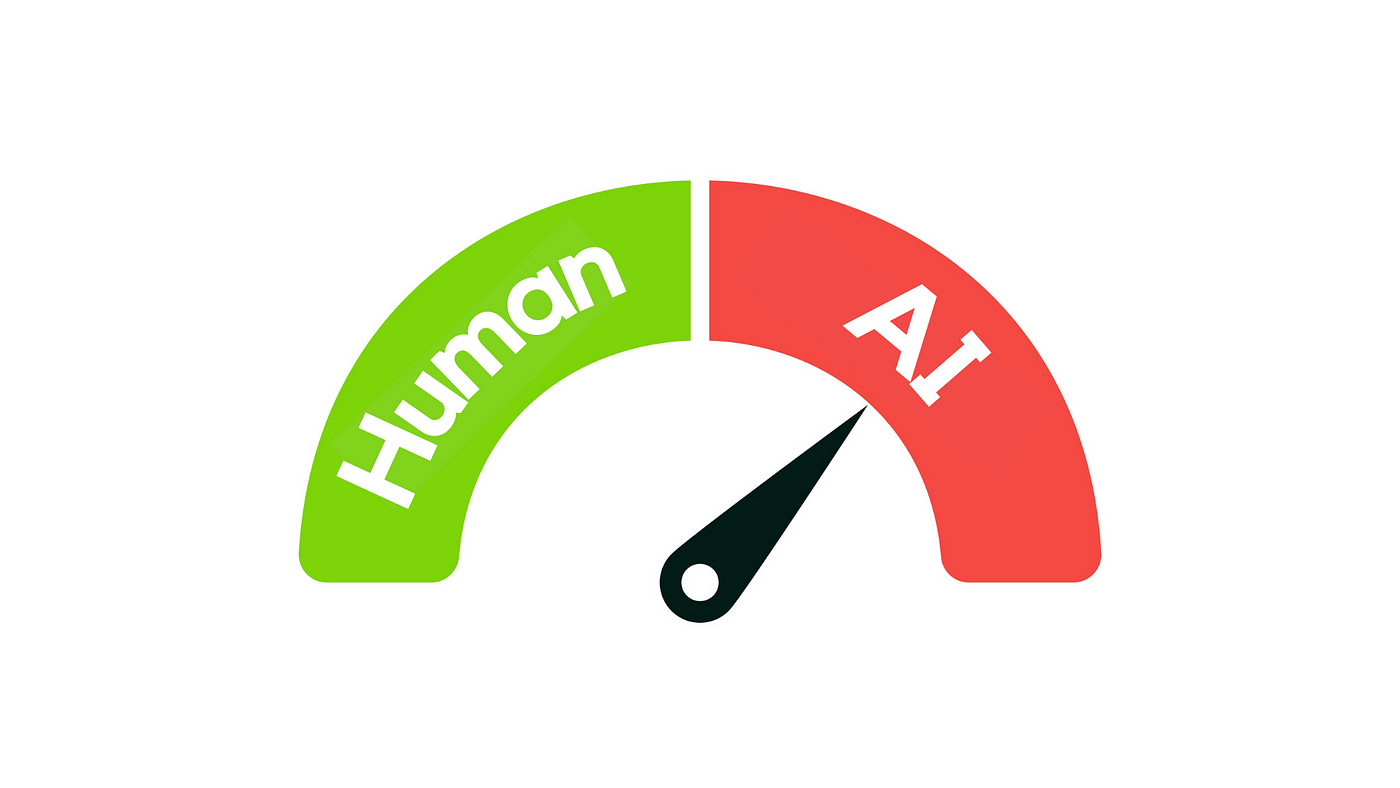
AI detection tools can produce false positives and false negatives. They should not be treated as proof that a student used AI. A more reliable review considers the student's normal work, drafts and revision history, source use, ability to explain the work, and the specific expectations of the assignment.
Possible Signs That a Conversation May Be Needed
- Voice: The work suddenly sounds very different from the student's normal vocabulary, tone, or style.
- Understanding: The student cannot explain ideas, examples, calculations, or sources included in the work.
- Process: There is little evidence of planning, drafting, research, or revision for a task that normally requires those steps.
- Accuracy: The work includes invented quotations, incorrect citations, fabricated facts, or sources that cannot be located.
- Mismatch: The level of the final product does not match the student's demonstrated understanding.
None of these signs proves AI misuse by itself. They are reasons to ask questions and look more closely at the student's learning process.
Future of Work
AI is changing how people work across many fields. In some jobs, AI will automate routine tasks. In others, it will help people analyze information, create content, communicate, design, code, research, plan, and make decisions. New roles will also emerge as industries adopt new technologies.
The goal for students is not simply to become good at prompting an AI tool. They need a broader set of skills that allow them to work effectively with technology while still contributing the judgment, creativity, expertise, and responsibility that technology cannot replace.
- Critical thinking: Evaluate information, question assumptions, and decide whether an AI response is useful or trustworthy.
- Creativity: Develop original ideas, imagine possibilities, and use tools to extend rather than replace creative thinking.
- Communication: Explain ideas clearly, collaborate with others, and adapt communication for different audiences.
- Problem solving: Define the real problem before asking technology to help solve it.
- Domain knowledge: Strong subject knowledge is essential for recognizing when AI is wrong or incomplete.
- Ethical judgment: Understand privacy, bias, intellectual property, fairness, transparency, and responsible decision making.
- AI literacy: Know what AI can do, what it cannot do reliably, how to verify results, and when not to use it.
- Adaptability: Continue learning as tools, careers, and workplace expectations change.
For high school students, appropriate experience using AI responsibly can help build confidence for college, training programs, and careers in which working alongside AI may become a normal part of professional life.
Ethics
Ethical AI use means thinking not only about what technology can do, but also about what it should do, who may be affected, and who remains responsible for the outcome.
Families can use the following questions as conversation starters, but the important part is helping students develop habits for responding to them.
Is it fair?
AI systems can reflect bias or leave out perspectives. Encourage students to ask whose experiences are represented, whose may be missing, and whether the result treats people fairly.
Is it private?
Students should think before entering information into an AI tool. Personal, confidential, or sensitive information should not be shared unnecessarily, even when using an approved service.
Is it accurate?
AI can be wrong. Students should verify important facts, compare sources, look for evidence, and avoid repeating information simply because the AI sounded confident.
Who is responsible?
The person using AI remains responsible for the final decision or product. “The AI said it” is not a substitute for human judgment or accountability.
Is the use transparent?
When AI meaningfully contributes to schoolwork, students should follow teacher expectations about disclosure, attribution, and acceptable use.
Does it support learning?
A responsible use of AI should help the student understand, create, question, practice, or improve. If the tool is doing the learning for the student, it is being used in the wrong way.
Use AI in ways that are safe, honest, fair, and helpful to learning. Protect personal information, check important information, respect the work of others, follow school expectations, and keep a human responsible for the final decision.
Additional Parent Resources
Explore trusted resources for additional guidance on artificial intelligence, online safety, digital well-being, and conversations families can have at home.

Internet Matters
Find practical guidance for parents and caregivers on AI tools, online safety, potential risks, age-appropriate technology use, and ways to support children in the digital world.
Explore Internet Matters →
Common Sense Media
Explore parent-friendly AI information, family technology guidance, digital citizenship resources, and practical support for helping children use technology thoughtfully and responsibly.
Explore Common Sense Media →