
Google Classroom for Teachers
Explore how Google Classroom helps educators organize instruction, distribute materials, communicate with students, manage classwork, and provide meaningful feedback in one central place.
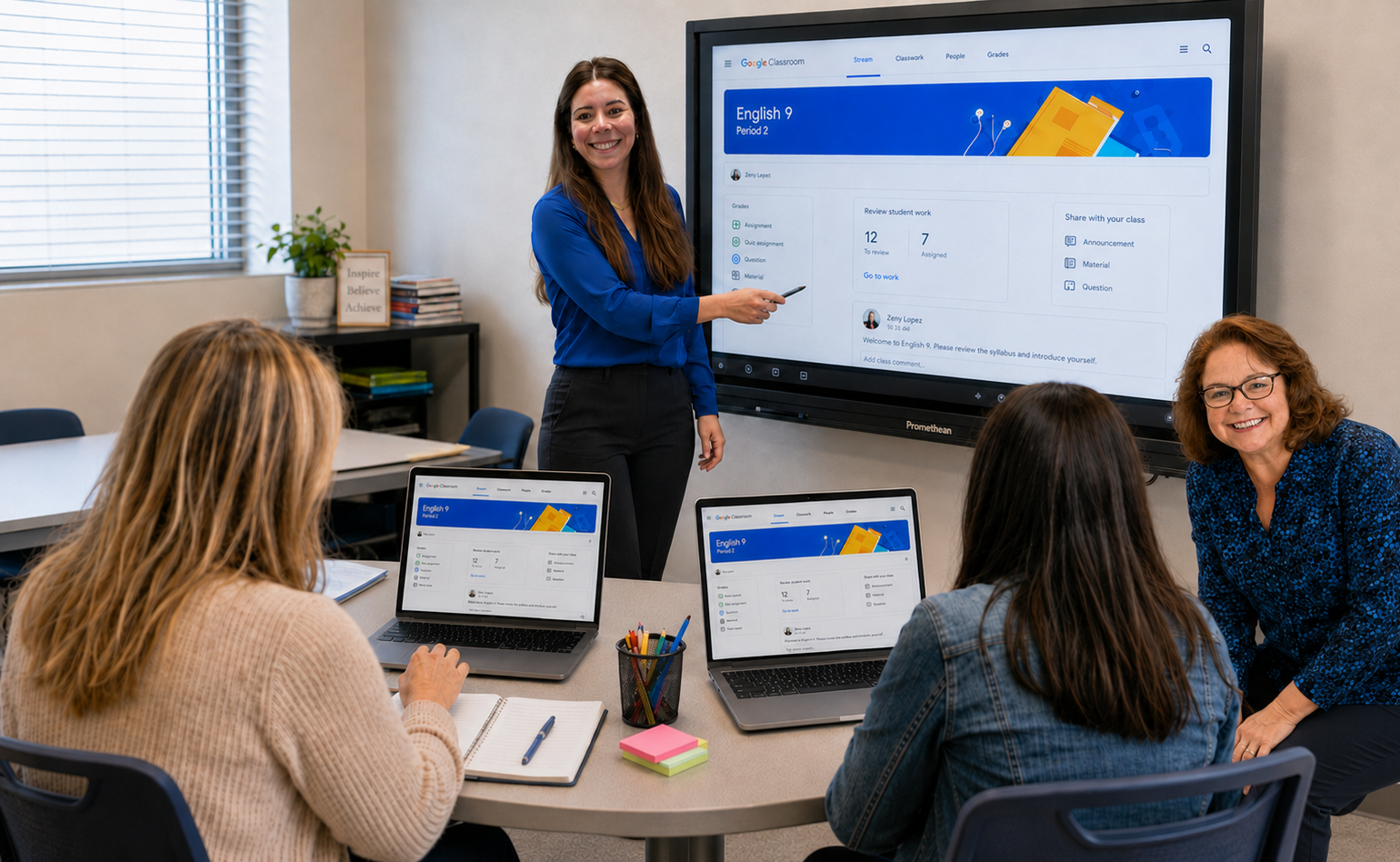
Make Google Classroom Work for You
Explore key Google Classroom features that can help organize instruction, streamline workflows, strengthen communication, and support student learning.
Getting Started
Set up and organize a Google Classroom space that is easy for students to navigate and supports daily instruction.
- Create and customize a class.
- Invite or add students.
- Organize class information and settings.
- Manage notifications and classroom preferences.
Create and Organize Classwork
Build a clear instructional workflow by organizing assignments, materials, questions, and resources in one place.
- Create assignments and learning activities.
- Organize content using topics.
- Schedule and reuse posts.
- Attach Google files, links, videos, and other resources.
Communicate and Collaborate
Keep students connected to instruction through announcements, comments, questions, and collaborative activities.
- Post announcements and reminders.
- Communicate within assignments and classwork.
- Encourage discussion and participation.
- Support collaboration through Google tools.
Grade and Provide Feedback
Review student work, provide meaningful feedback, and manage grades within an organized Classroom workflow.
- Review submitted assignments.
- Provide comments and feedback.
- Use rubrics when appropriate.
- Return work and communicate grades to students.
Manage Your Classroom
Keep Google Classroom organized throughout the school year by managing students, settings, notifications, archived classes, and instructional materials. A well-organized Classroom can make it easier for both educators and students to find what they need and stay focused on learning.
Explore Google Classroom for Teachers
Visit the Google Classroom Help Center for additional guidance, step-by-step instructions, and support for educator features.