
Google Academy
Learn Something New
Google Academy offers short, focused professional learning sessions designed to help M-DCPS educators strengthen specific skills within Google Workspace for Education. Explore practical tools, useful workflows, and emerging Google features that can be put to use right away.
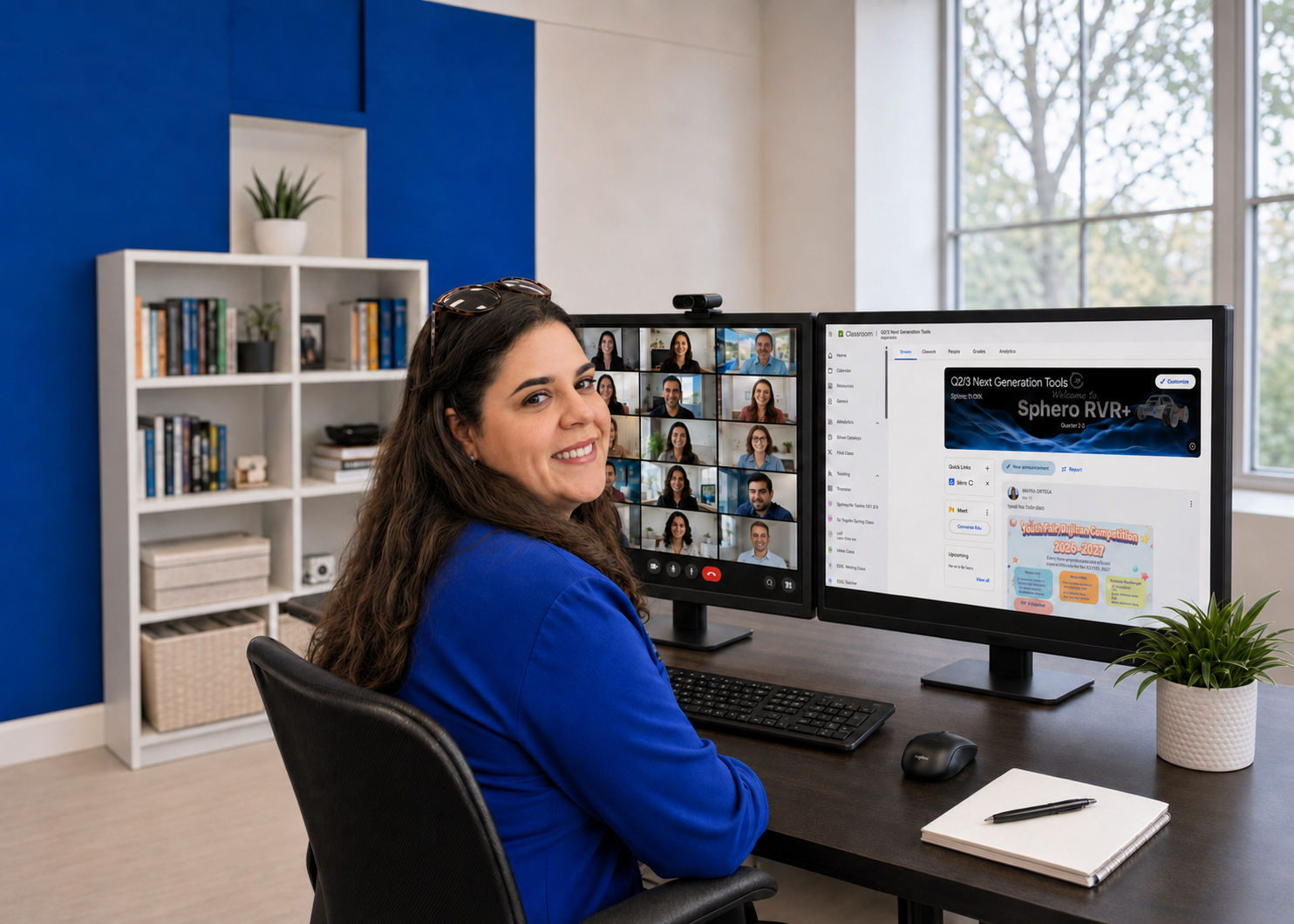
Focused Micro-sessions
Sessions are brief and centered on one specific tool, feature, or workflow.
Practical Learning
Explore ideas and features that can be applied quickly to teaching and professional practice.
No Advance Registration
There is no need to register ahead of time. Simply join the session that interests you.
Flexible Times
Each date features one topic offered twice, at 12:00 p.m. and again at 5:00 p.m.
Fall 2026 Google Academy
Choose the dates and topics that interest you. Google Academy sessions are designed to make it easy to drop in, learn something useful, and get back to your day.
Tuesdays and Thursdays | 12:00 p.m. & 5:00 p.m.
Sessions are offered on Tuesdays and Thursdays. On each scheduled date, the same session is presented at 12:00 p.m. and again at 5:00 p.m., so simply choose the time that works best.
See What’s Being Offered
Each scheduled date features one focused Google Academy topic. Click View Sessions under any month below to see the dates and topics being offered.
Monthly Schedule
Select a month to view session dates and topics. The Join Session button remains available for quick access.
September
Tuesdays & Thursdays | 12:00 PM & 5:00 PM
October
Tuesdays & Thursdays | 12:00 PM & 5:00 PM
November
Tuesdays & Thursdays | 12:00 PM & 5:00 PM
December
Tuesdays & Thursdays | 12:00 PM & 5:00 PM