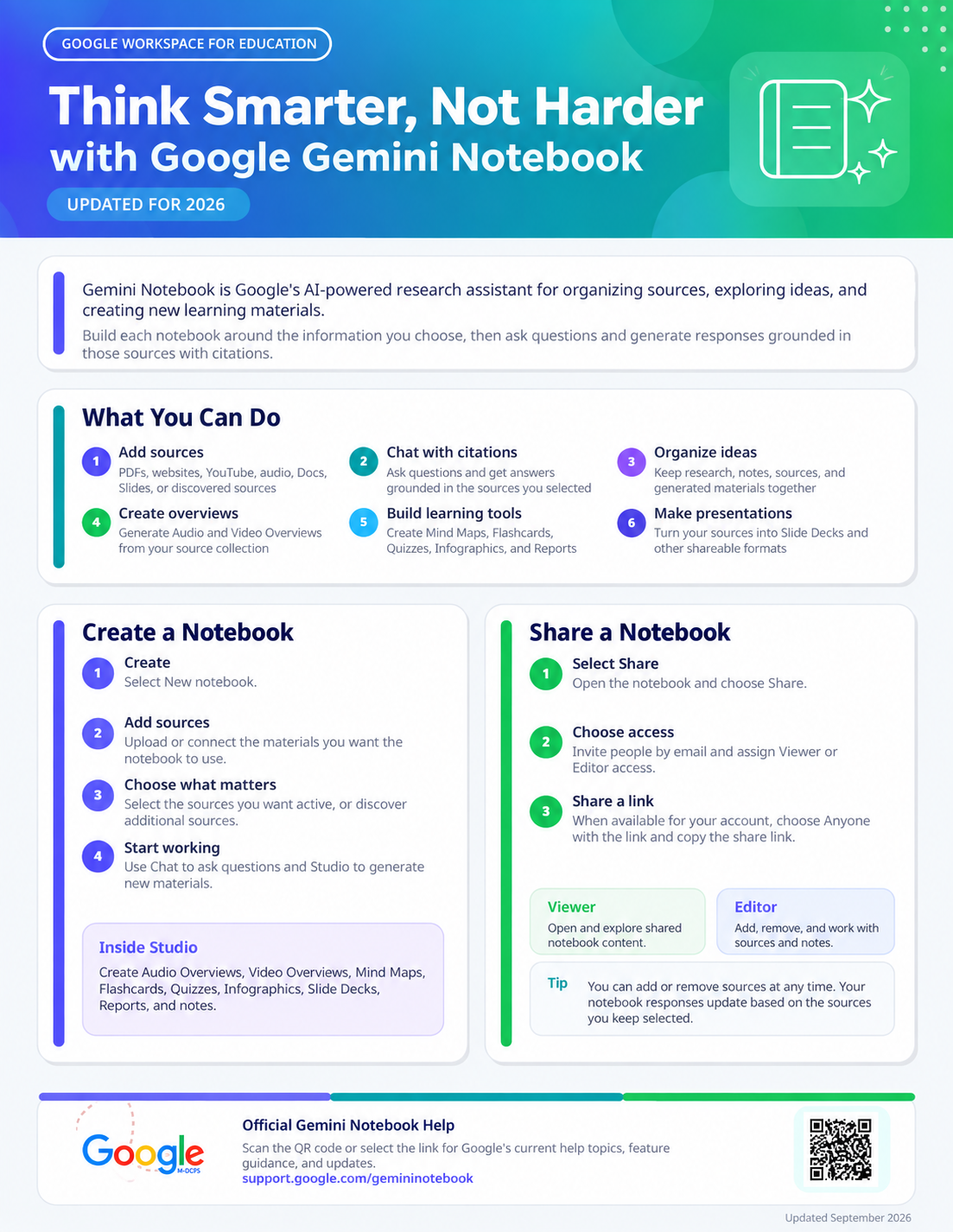
IT How-To Guides
Explore quick reference guides for commonly used M-DCPS technology tools and services. Select a guide below to open step-by-step support and helpful information.
Featured IT Guides
These quick guides provide support for account security, personal devices, Google Meet, livestreaming, and originality reports. Featured Canva guides open in a new tab. Additional guides below open directly on this page.
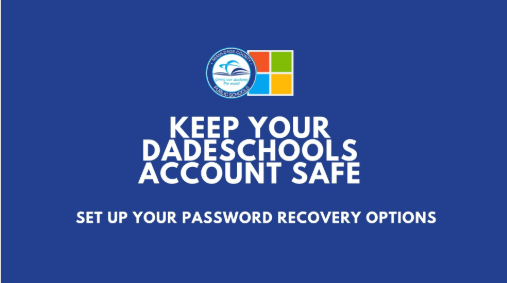
Password Recovery
Learn how to set up recovery options and help keep your district account secure.
Open Guide →
Google Meet
Explore guidance for using Google Meet as a district meeting and collaboration tool.
Open Guide →
Livestreaming
Learn how Google Meet can be used for internal livestreaming and larger district audiences.
Open Guide →
Originality Reports
Explore guidance for using Originality Reports with Google assignments to support responsible source use.
Open Guide →
Bring Your Own Device
Find instructions for connecting a personal device to district wireless services.
Open Guide →More IT How-To Guides
Explore additional quick-reference guides organized from foundational access and navigation to more advanced Google Workspace and AI tools. Select any card to view the guide directly on this page.
Getting Started
Start here for login, access, and joining Google learning spaces.
Core Google Workspace Tools
Build everyday skills with the Google tools used most often for files, documents, spreadsheets, forms, and websites.
Google Classroom & Meet
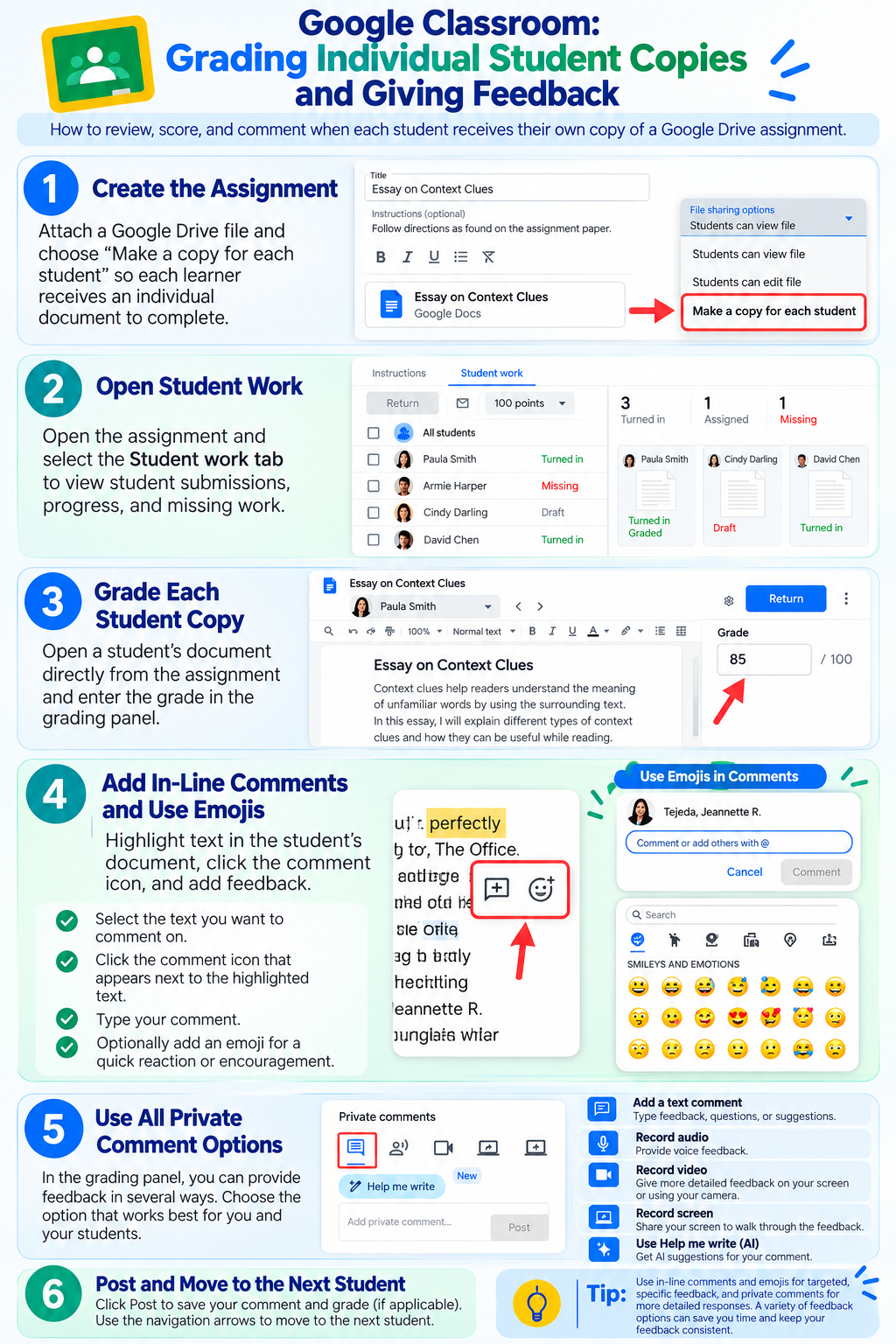
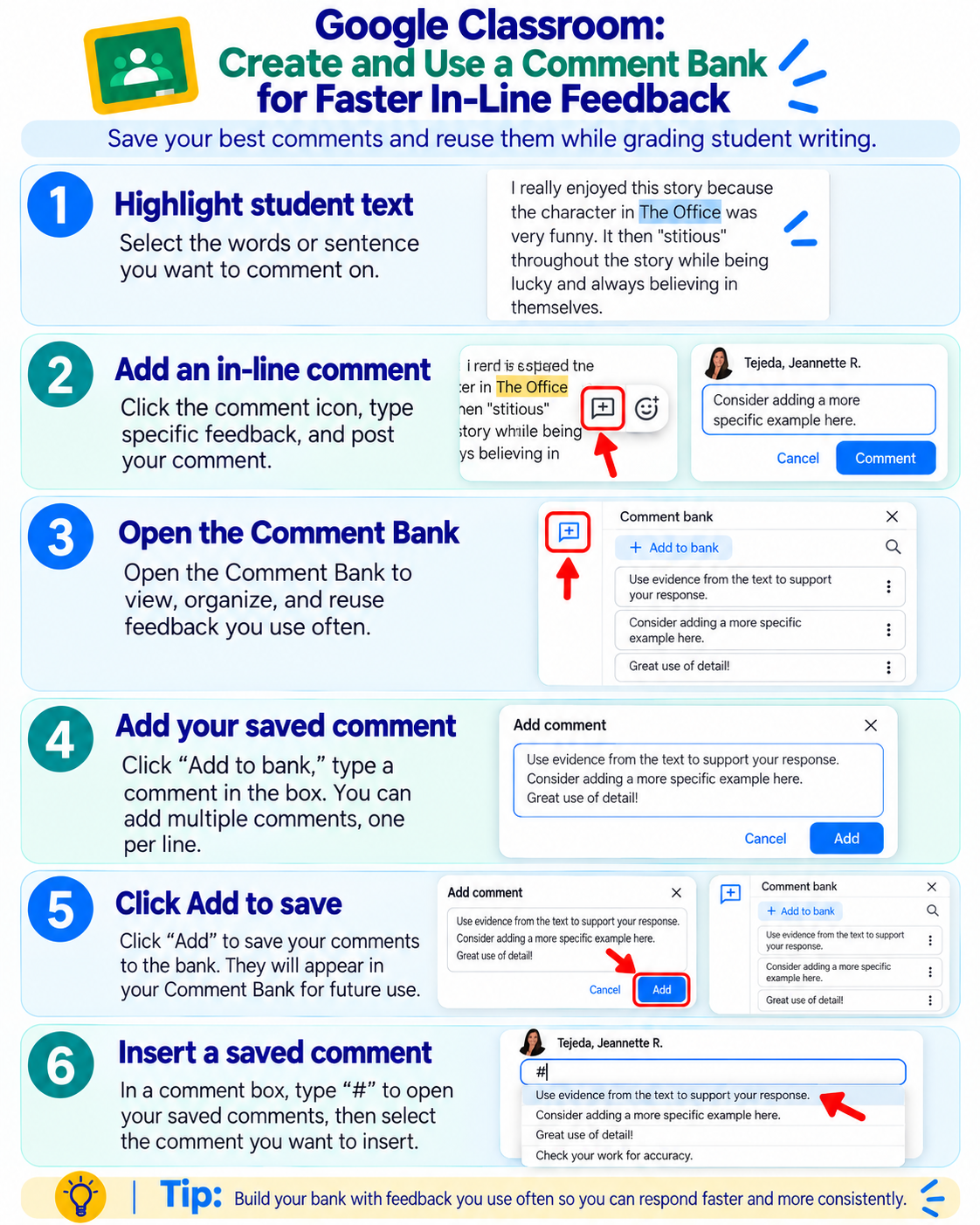
Move beyond basic access with guides for teaching, managing Classroom, grading and feedback, starting meetings, and creating more interactive learning experiences.
AI & Advanced Tools
Explore newer Google AI tools after becoming comfortable with the core Google Workspace environment.